

Real-time alert types in trading are automated notifications triggered by specific market events, including price level changes, technical indicator signals, volume spikes, volatility shifts, and news releases. These alerts give traders the ability to act at the right moment without watching charts all day. The role of real-time alerts in trading is to close the gap between market movement and trader response. Quantlogicx builds this capability directly into its TradingView indicator, giving over 2,000 active traders precise entry and exit signals with zero repaint technology.
1. What are the main real-time alert types trading professionals rely on?
Five core alert types form the foundation of any active trading setup: price alerts, technical indicator alerts, volume alerts, volatility alerts, and news or event alerts. Each type serves a distinct purpose, and the best traders use all five in combination.
-
Price alerts fire when an asset crosses a set threshold, breaks a support or resistance level, or moves by a defined percentage. They are the most widely used alert type among active traders. A price alert set at a key resistance level tells you exactly when the market is testing a decision zone.
-
Technical indicator alerts trigger when conditions like a moving average crossover, an RSI reading above 70 or below 30, or a MACD signal line cross occur. These alerts translate chart analysis into real-time notifications. Learning what a trading indicator does helps you configure these alerts with more precision.
-
Volume alerts fire when trading volume spikes above a defined threshold. Volume spikes confirm institutional participation, which separates genuine breakouts from false ones. A price move with no volume behind it is far less reliable than one backed by a surge in activity.
-
Volatility alerts trigger when price acceleration or the Average True Range (ATR) crosses a threshold. These alerts matter most for risk management because sudden volatility shifts change the risk profile of any open trade.
-
News and event alerts notify traders of earnings releases, Federal Reserve announcements, economic data drops, and trading halts or resumes. These alerts require the fastest possible delivery because price moves on news happen in seconds.
2. How do multi-condition alerts reduce noise and improve signal quality?
Multi-condition alerts combine two or more triggers so a notification only fires when all conditions are met simultaneously. This approach cuts false positives and keeps your attention focused on high-probability setups.
-
AND conditions require every defined trigger to be true before the alert fires. For example, a price breakout above resistance AND a volume spike above the 20-period average confirms that real buying pressure exists behind the move.
-
Threshold bands prevent alerts from firing on minor price fluctuations. Instead of alerting at exactly $150.00, you set a band between $149.80 and $150.20. This filters out noise from bid-ask spread movement.
-
Alert expiration removes stale notifications. An alert set for a breakout that never happened within your target session should expire automatically. Stale alerts create confusion and lead to poor entries on outdated setups.
-
SEQUENCE and HIERARCHY frameworks build layers of confluence. A SEQUENCE alert fires only after a first condition is met, then a second. A HIERARCHY alert escalates urgency based on how many conditions are confirmed. Multi-condition frameworks like these improve signal quality far beyond single-trigger alerts.
Pro Tip: Write every multi-condition alert as a mini trade plan before you set it. Define the trigger, the timeframe, the intended action, and the maximum risk. This forces you to think through the trade before the alert fires, not after.
3. What delivery methods exist for real-time trading alerts?

Alert delivery methods differ in latency, reliability, and use case. Choosing the wrong delivery channel costs you execution speed or causes you to miss alerts entirely.
| Delivery Method | Latency | Best Use Case |
|---|---|---|
| On-screen popup | Sub-second | Desk-bound traders needing immediate action |
| Audio alert | Sub-second | Traders monitoring multiple screens |
| Push notification | 1–3 seconds | Mobile traders needing quick updates away from desk |
| 10–60 seconds | Logging, less time-sensitive setups | |
| SMS | 5–30 seconds | Backup notification for critical alerts |
| Webhook | Near-instant | Automation and integration with trading bots |
On-screen popups and audio alerts deliver the lowest latency for traders sitting at a desk. Push notifications work well for mobile traders who need updates while away from their workstation, though a slight delay is unavoidable. Email and SMS serve logging purposes or act as backup channels, not primary ones. Webhooks require technical setup but enable full automation, routing alert data directly into trading bots or custom dashboards.
4. How to match alert types to your trading style
Discretionary traders and automated traders need different alert configurations. Getting this match right is what separates an alert system that helps from one that creates noise.
-
Discretionary traders need alerts that explain the trigger. An alert message that reads "RSI crossed above 30 on the 15-minute chart, potential long setup" gives context. Context builds confidence and reduces emotional second-guessing.
-
Automated traders need alerts that trigger webhooks connected to execution systems. Speed matters more than explanation here. The alert fires, the bot executes, and the trader reviews the log afterward.
-
Day traders should prioritize on-screen and audio alerts with sub-second latency. Missing a 30-second entry window on a scalp trade is the difference between a winning and a losing setup.
-
Swing traders can rely more on push notifications and email alerts. Their setups develop over hours or days, so a 30-second delay in notification does not affect execution quality.
-
Test free tiers before committing to paid plans. Professional alert platforms offer free tiers with limited alert counts. Testing on a free tier reveals whether the platform's latency and reliability meet your needs before you pay for advanced features.
Pro Tip: Set your alert message to include the ticker, the trigger condition, the timeframe, and your planned action. Example: "AAPL broke $185 resistance on the 1-hour chart. Plan: wait for a 5-minute close above $185 before entering long."
The most effective alert strategy treats each alert as a pre-planned decision, not a reflex trigger. Traders who plan their response before the alert fires make faster, calmer decisions when the market moves. You can also review reliable trade signal examples to understand which patterns translate best into alert setups.
5. Why AI chat tools cannot replace real-time alert systems
Combining chart-based scanners with specialized news alert services produces the most complete real-time trading signal coverage. General AI chat tools are not a substitute for dedicated alert systems.
AI chat models do not push notifications. They cannot monitor price levels in real time or fire an alert the moment a moving average crosses. They also risk returning outdated or hallucinated data, which is dangerous in a live trading environment. A trader who relies on an AI chat tool for real-time signals will consistently miss fast-moving entries and exits.
The correct setup layers a chart-based scanner for technical alerts with a dedicated news alert service for event-driven notifications. This combination covers both the technical and fundamental sides of the market without gaps. Confirming buy and sell signals from multiple alert sources before acting is the standard practice among professional traders.
6. How platform tiers affect your alert capabilities
Alert platform pricing directly determines how many alerts you can run and how fast they fire. Free tiers typically limit alert counts and resolution, while professional tiers unlock hundreds of simultaneous alerts with second-based or tick-based resolution.
TradingView Premium plans, for example, support 400 active alerts. That capacity matters for traders running multi-condition setups across dozens of tickers. Specialized news alert platforms start at around $37 per month and focus exclusively on event-driven notifications, which is a worthwhile addition for traders who trade earnings or macro releases. Matching your platform tier to your actual alert volume prevents bottlenecks during high-activity sessions.
7. How to treat alerts as attention triggers, not trade commands
Alerts are attention triggers, not automatic trade signals. Professional traders check the chart after an alert fires before placing any order. The alert says "look here now." The chart tells you whether the setup is still valid.
Treating an alert as a direct trade command removes the context check that separates good entries from bad ones. A price alert firing at a resistance level means the price has reached that level. It does not mean the breakout is confirmed, the volume supports the move, or the broader market trend is aligned. Each of those factors requires a quick chart review before you act. Traders who skip this step take more invalid trades and suffer larger drawdowns as a result.
Key takeaways
The most effective real-time alert setup combines multiple alert types, multi-condition triggers, and the right delivery method matched to your trading style and execution speed.
| Point | Details |
|---|---|
| Use all five alert types | Price, volume, volatility, technical indicator, and news alerts each cover a different market dimension. |
| Multi-condition alerts cut noise | Combining triggers like price breakout plus volume spike filters false signals before they reach you. |
| Match delivery to your style | Desk traders need on-screen alerts; mobile traders need push notifications; automation needs webhooks. |
| Write alerts as mini trade plans | Include the trigger, timeframe, action, and risk limit in every alert message to reduce emotional decisions. |
| Alerts require a chart check | Always review the chart after an alert fires before entering a trade to confirm the setup is still valid. |
Alerts work best when you stop expecting them to think for you
I spent a long time setting up alerts and then acting on them immediately, as if the alert itself was the trade. That habit cost me. The alert fires and your pulse jumps. You click buy before you have looked at the broader context. The setup looked perfect when you programmed the alert two days ago, but the market has shifted since then.
What changed my results was treating every alert as a prompt to look, not a command to act. The alert gets me to the chart in under 10 seconds. The chart tells me whether the conditions I planned for are still in place. If they are, I execute. If they are not, I pass and reset the alert. This sounds simple, but most traders skip the chart check because the alert creates urgency that feels like certainty.
The other mistake I see constantly is running too many alerts at once. Forty alerts across 20 tickers creates a notification flood that numbs your attention. I now run no more than 10 active alerts at any time, each tied to a specific setup I have already analyzed. Quality over quantity is the only approach that holds up under real market conditions.
— Tran
Quantlogicx and real-time alert integration for traders
Quantlogicx builds real-time alert integration directly into its TradingView indicator, so you receive buy and sell signals the moment conditions are confirmed at bar closure. The zero repaint technology means the signal you see is the signal that fired. No redrawn history, no second-guessing.
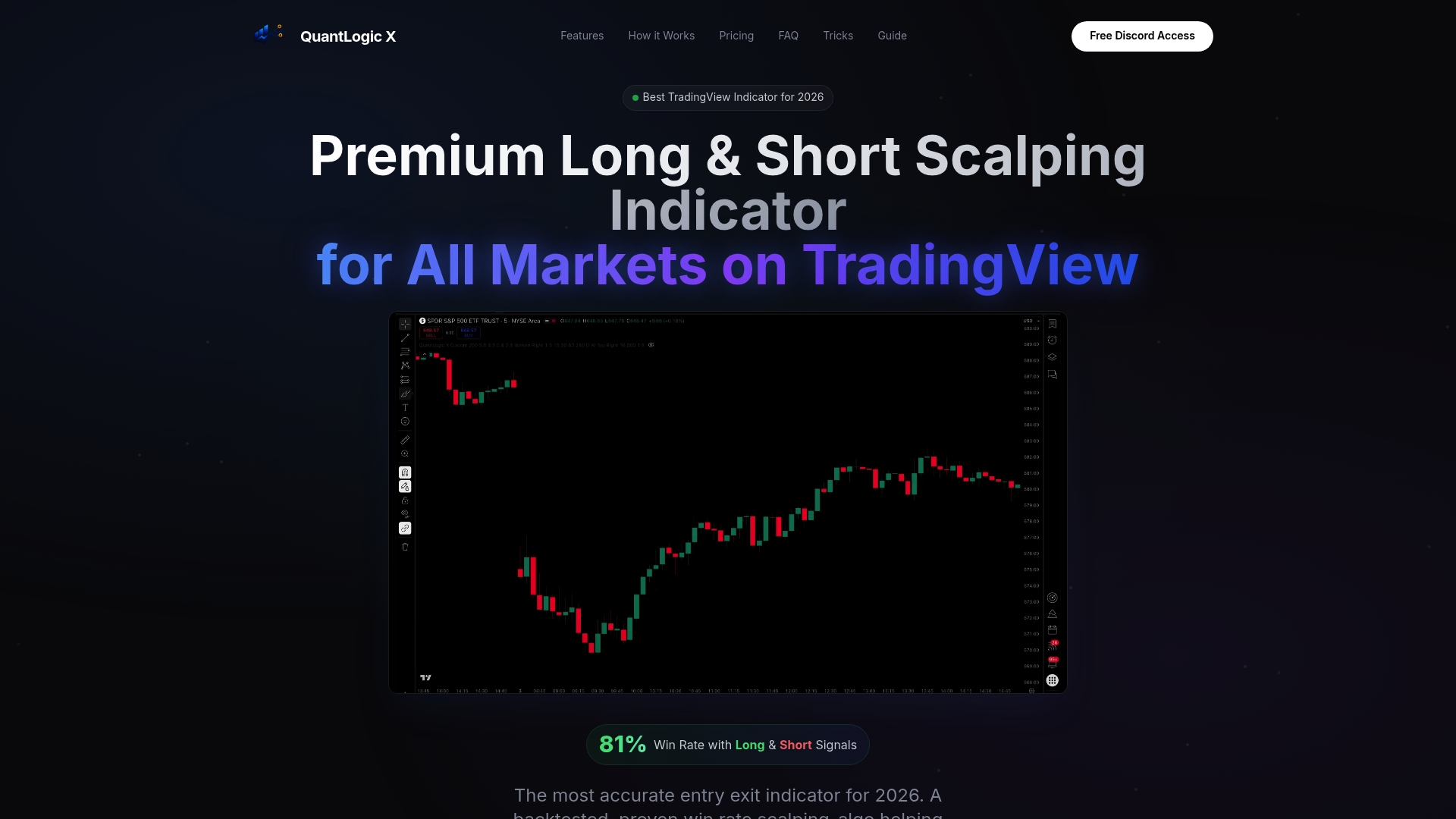
Over 2,000 traders across stocks, forex, and cryptocurrency use Quantlogicx to receive precise long and short signals with alerts already configured. Setup takes minutes, and the indicator works across multiple markets and timeframes. Traders using the Quantlogicx TradingView indicator have recorded gains including $8,200 in a single month. If you want alerts tied to a proven signal system, the Quantlogicx indicator is built for exactly that.
FAQ
What are the five main real-time alert types in trading?
The five main types are price alerts, technical indicator alerts, volume alerts, volatility alerts, and news or event alerts. Each type targets a different market condition and works best when combined with at least one other alert type.
What is a multi-condition alert and why does it matter?
A multi-condition alert fires only when two or more defined triggers are met at the same time, such as a price breakout combined with a volume spike. This approach filters false signals and improves the reliability of every notification you receive.
Which alert delivery method has the lowest latency?
On-screen popups and audio alerts deliver sub-second latency and are the fastest option for desk-bound traders. Webhooks match this speed for automated systems, while push notifications add a 1–3 second delay suited for mobile use.
Should I act on an alert immediately?
No. Alerts are attention triggers that prompt you to check the chart, not commands to place a trade. Always verify that the setup conditions are still valid on the chart before entering any position.
How many active alerts should I run at once?
Running a focused set of alerts tied to specific, pre-analyzed setups produces better results than running dozens across many tickers. Quality and specificity matter far more than alert volume.